Refer to the detailed instructions below for guidance on editing the content and style of the How it works slides (on Home AI Micro SaaS), and Proven results slides (on Home AI Integration Agency)
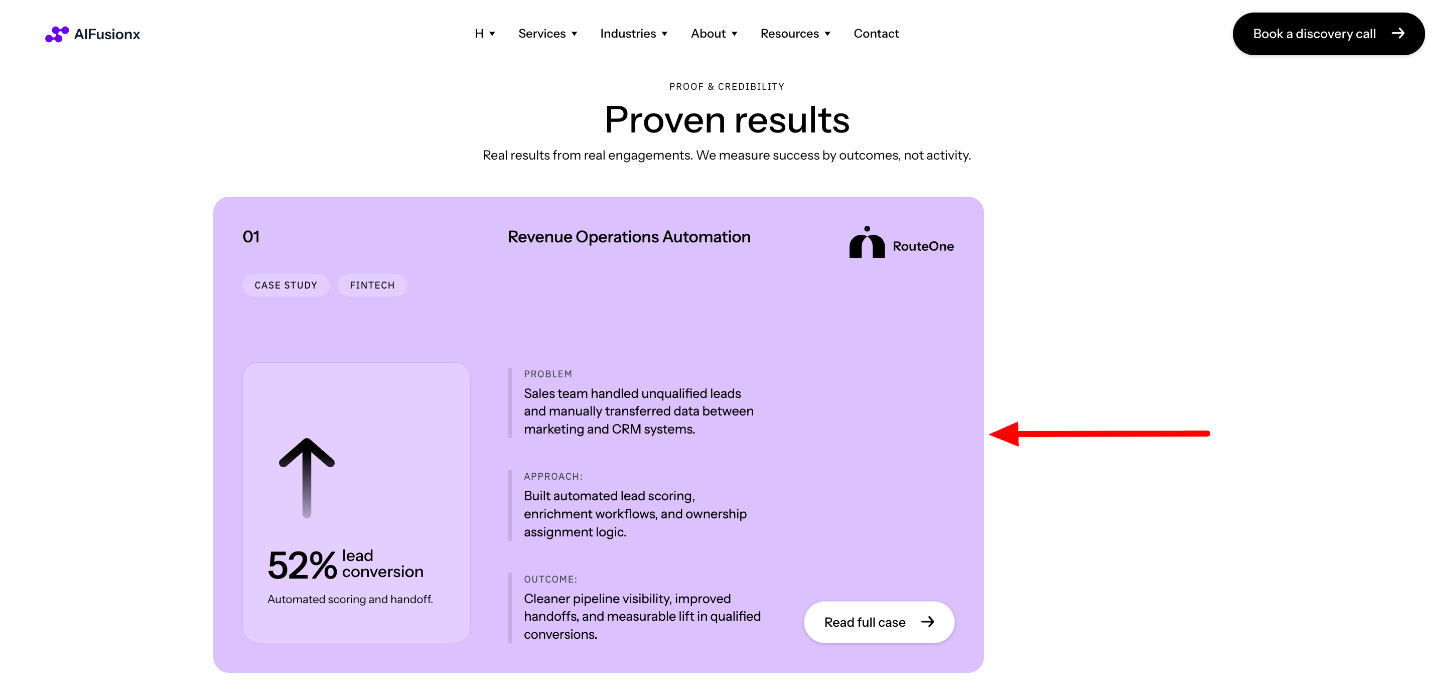
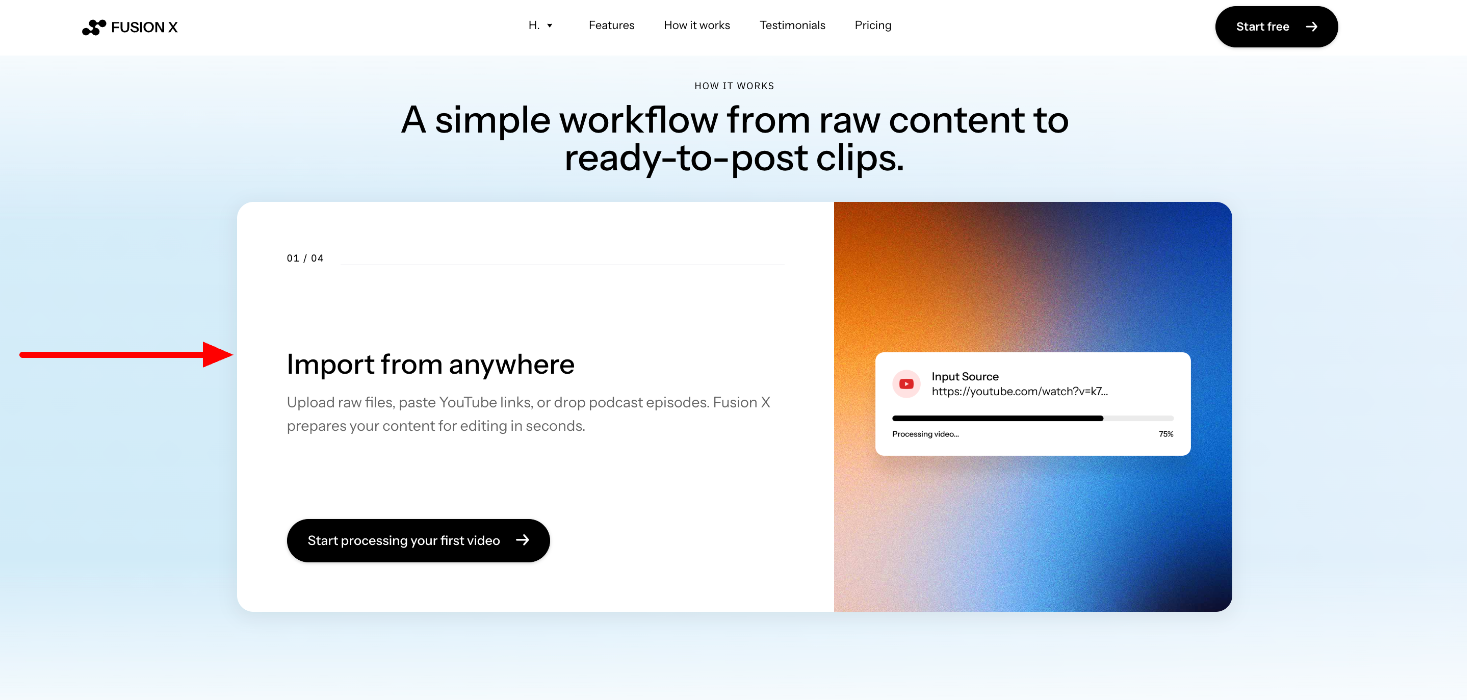
Each slide contains a template with a specific content, layout and style:
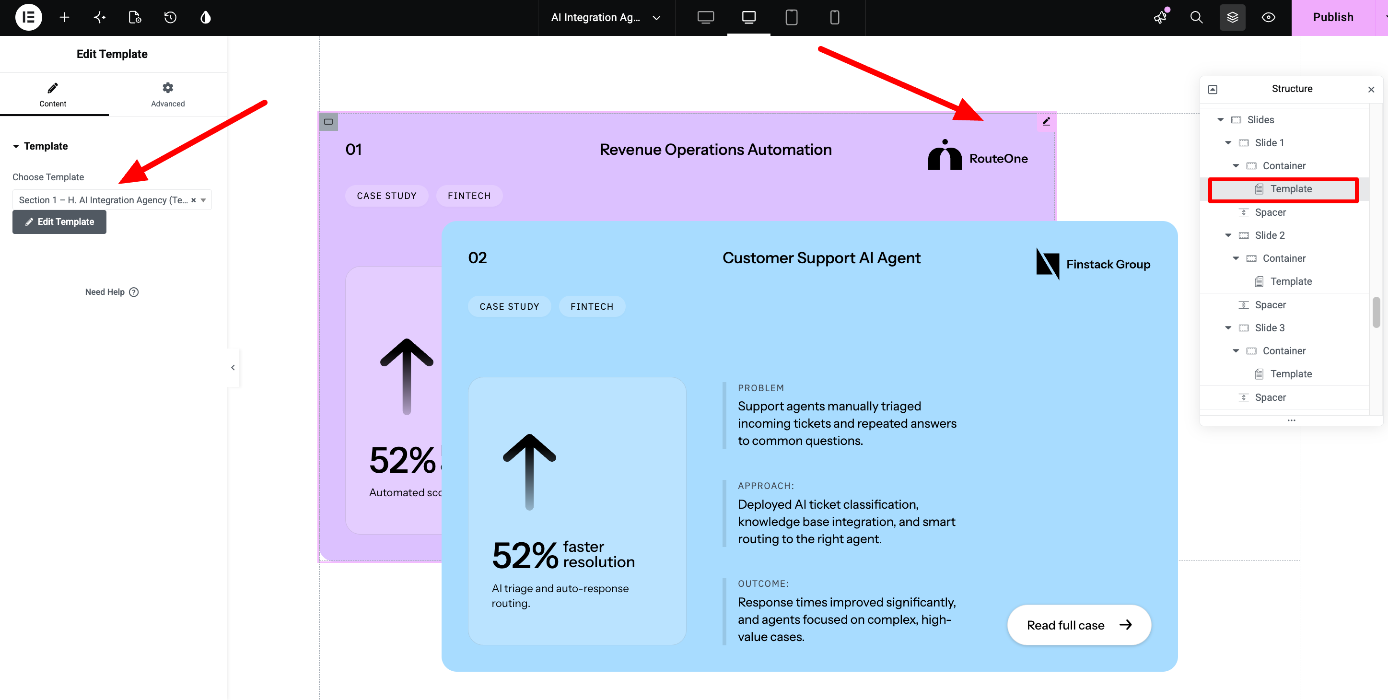
You can directly access the sections templates here:
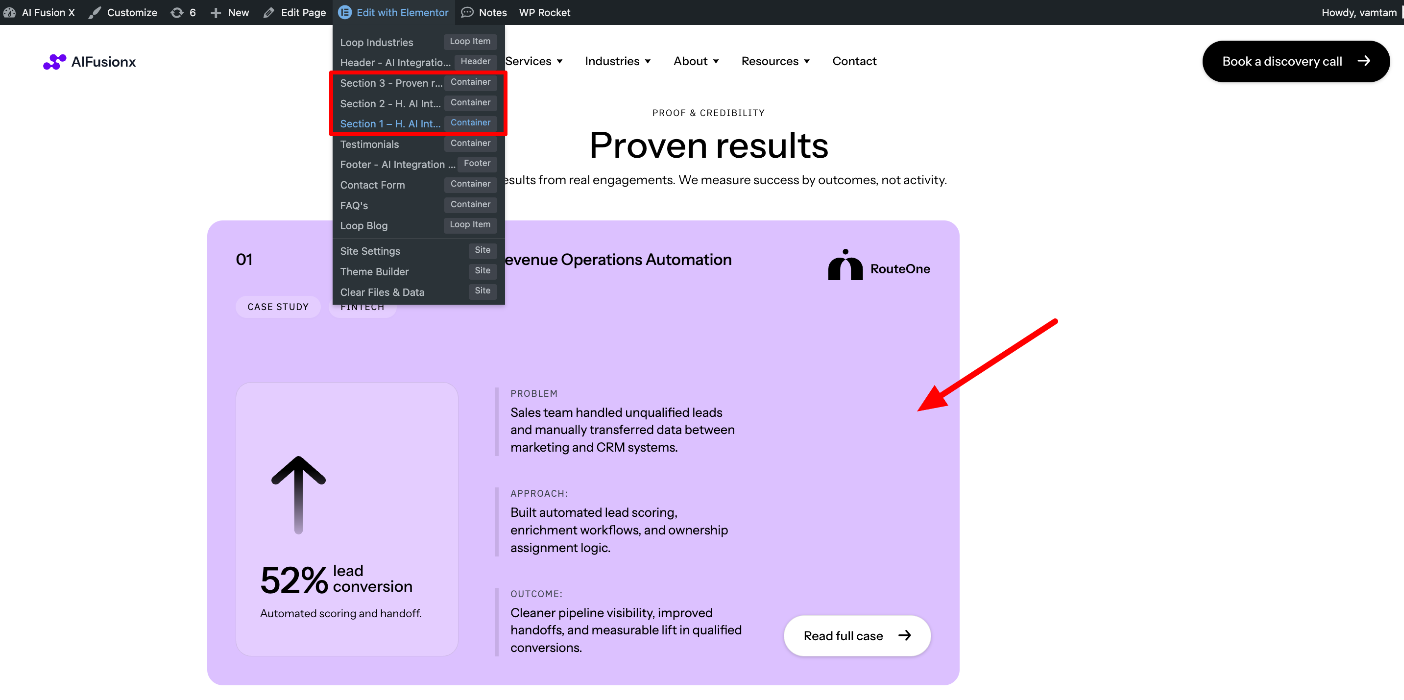
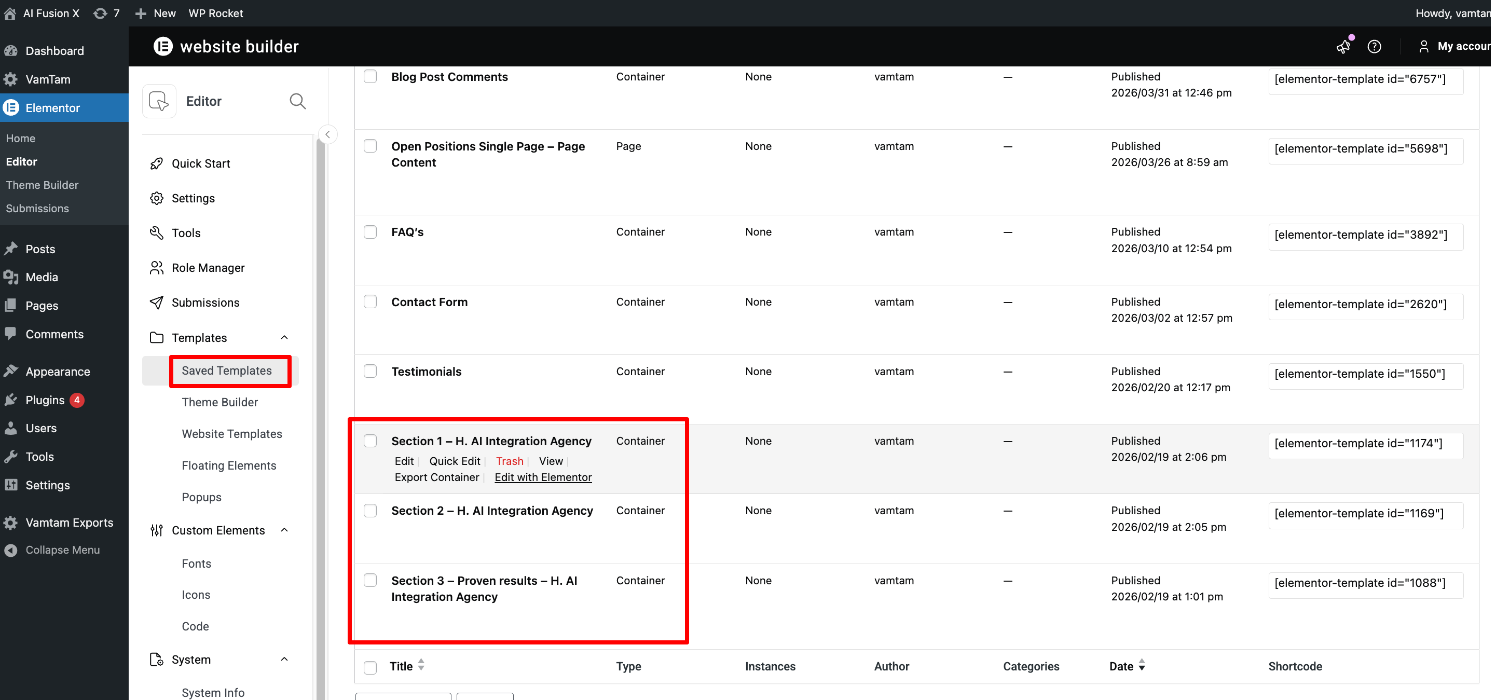
Or go to Elementor > Editor > Saved Templates > click Edit with Elementor:
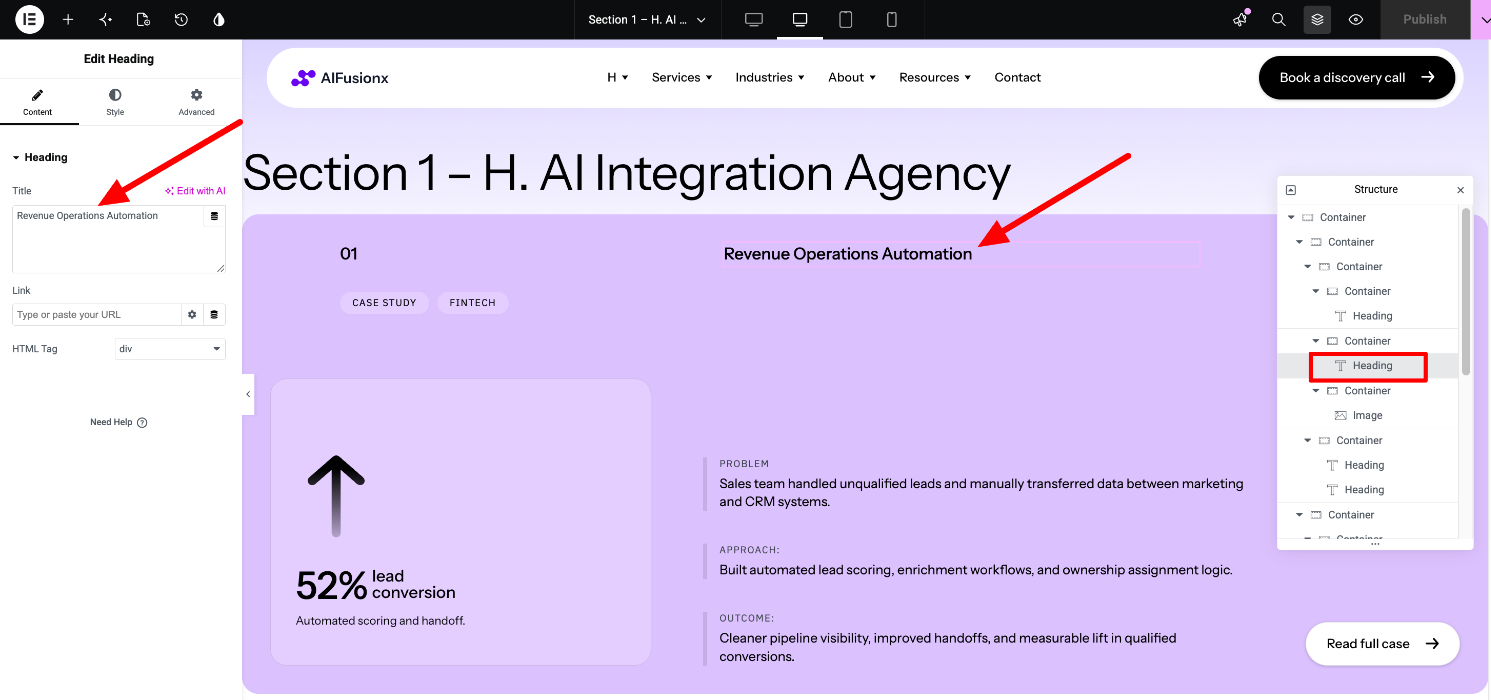
Edit the template's content easily with Elementor by locating each widget in the Navigator (the Structure panel on the right side of the editor):
You can check the official Elementor guide for more details.
You can repeat the above steps for the Proven results slides (on Home AI Integration Agency)


